Calendar feed
A tasks calendar feed for Apple, Google and Outlook
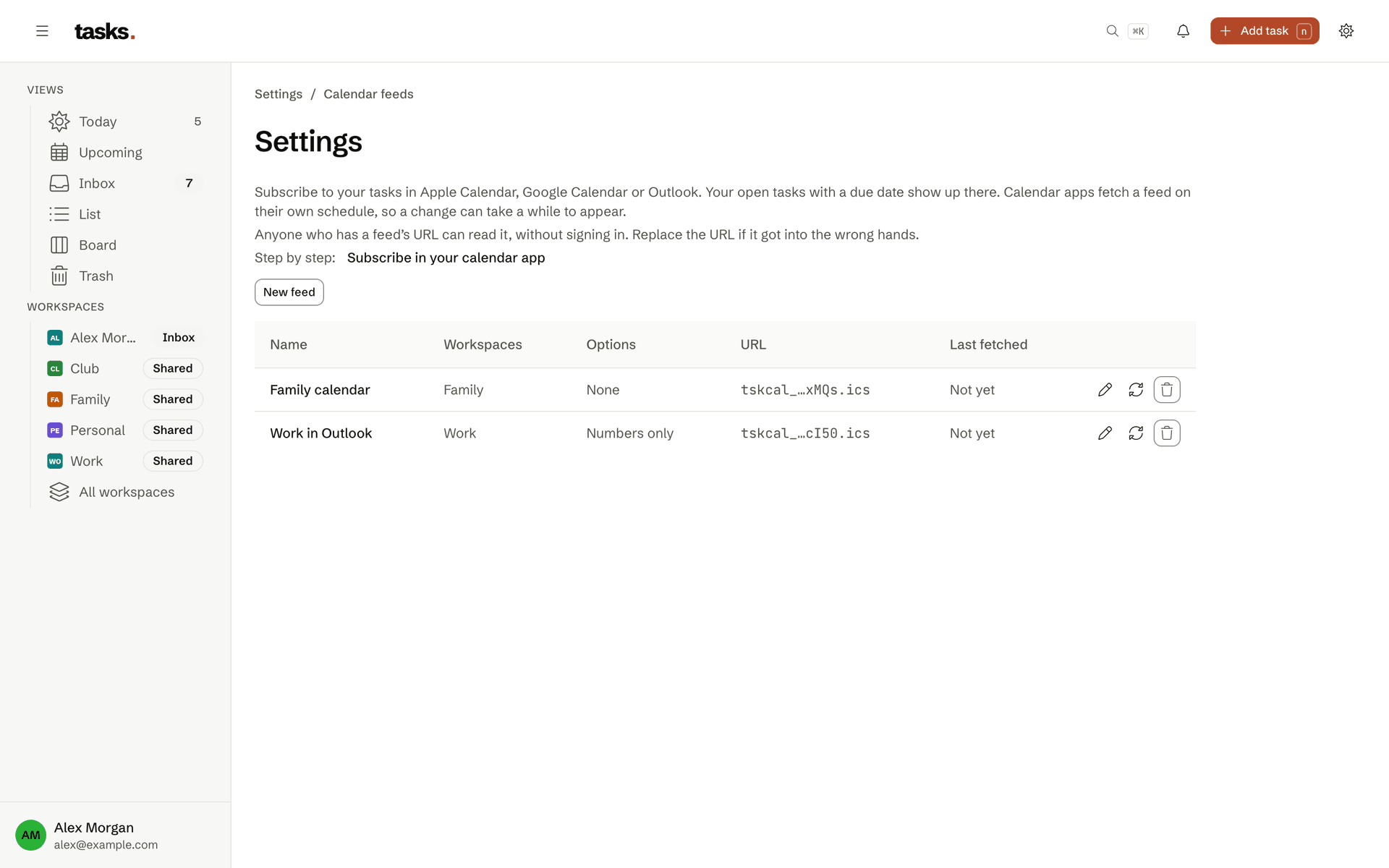
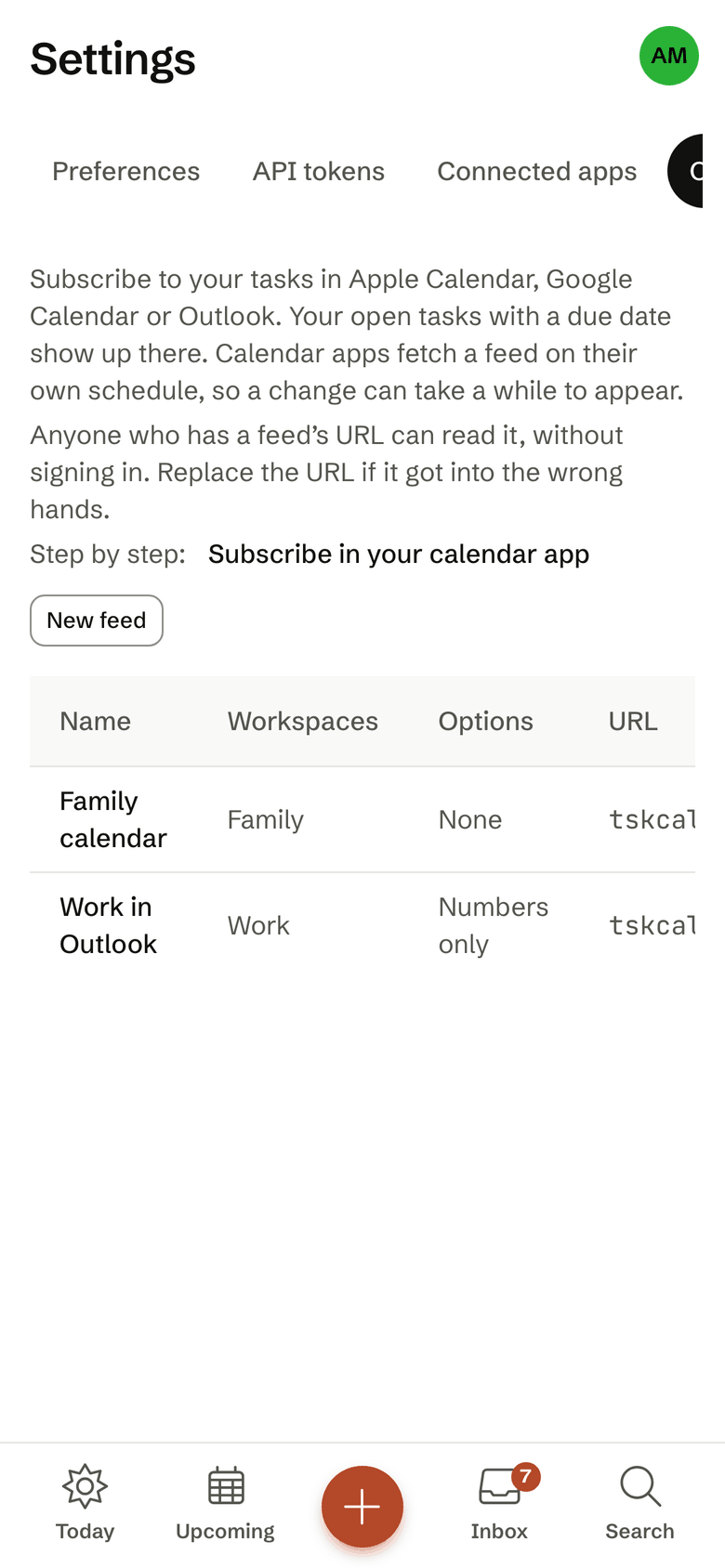
A calendar feed shows your due tasks in Apple Calendar, Google Calendar or Outlook. Create one feed for each part of your life, and show only the number instead of the title if you like.
- Apple, Google and Outlook
- Several feeds, each with its own workspaces
- Only the number instead of the title, if you like
- No descriptions in the feed
One feed per context
Your employer sees only work
Every feed has a name and shows only the workspaces you pick. The feed for your work calendar holds the work tasks, the family feed the family tasks. Tasks that are still up for grabs can be included if you like.
- Everything overdue and everything due in the next 90 days
- Only tasks assigned to you
- When you leave a workspace, its tasks leave the feed
Privacy
Only the number when the calendar is shared
In redact mode the calendar shows #1234 instead of the title. Descriptions are never in the feed. If a feed address leaks, you create a new one and the old one stops working at once. Only a digest of the address is stored.
Frequently asked questions
How do due tasks get into my calendar?
Through a calendar feed. In the settings you create one or more feeds, each for the workspaces you choose, and subscribe to the address in Apple Calendar, Google Calendar or Outlook. The feed holds overdue tasks and everything due in the next 90 days, without descriptions.
With “Show task numbers only” the calendar shows just the number, such as #1234, instead of the title, for a calendar others can see. When you renew the address, the old one stops working at once. How often the calendar reloads the feed is up to the calendar app.
Who can see the tasks in my workspaces?
Only the members of that workspace. Every workspace is its own privacy boundary, enforced in the database itself. Whoever belongs to your family workspace sees nothing of your work workspaces, and the other way round. Your Inbox is yours alone and cannot be shared.
You can also restrict access tokens and calendar feeds to single workspaces.
How am I reminded of due tasks?
If a task has a time, you get a push notification at that time. When a task is assigned to you, you get a push as well. On top of that comes the daily digest: once a day, at 07:30 by default, with what is overdue, due today, due in the next days and up for grabs. It arrives by email, by push or both, and not at all on days with nothing due.
On the iPhone, push needs the installed app on your Home Screen. You can remove each device again in the settings.
See what is due where you plan your day
The account is free. You set up a calendar feed in the settings.