Email to task, by forwarding
Forward a mail to your personal capture address and tasks creates a task. Date, priority and tags go in the subject line, and the confirmation comes back with the number and a link.
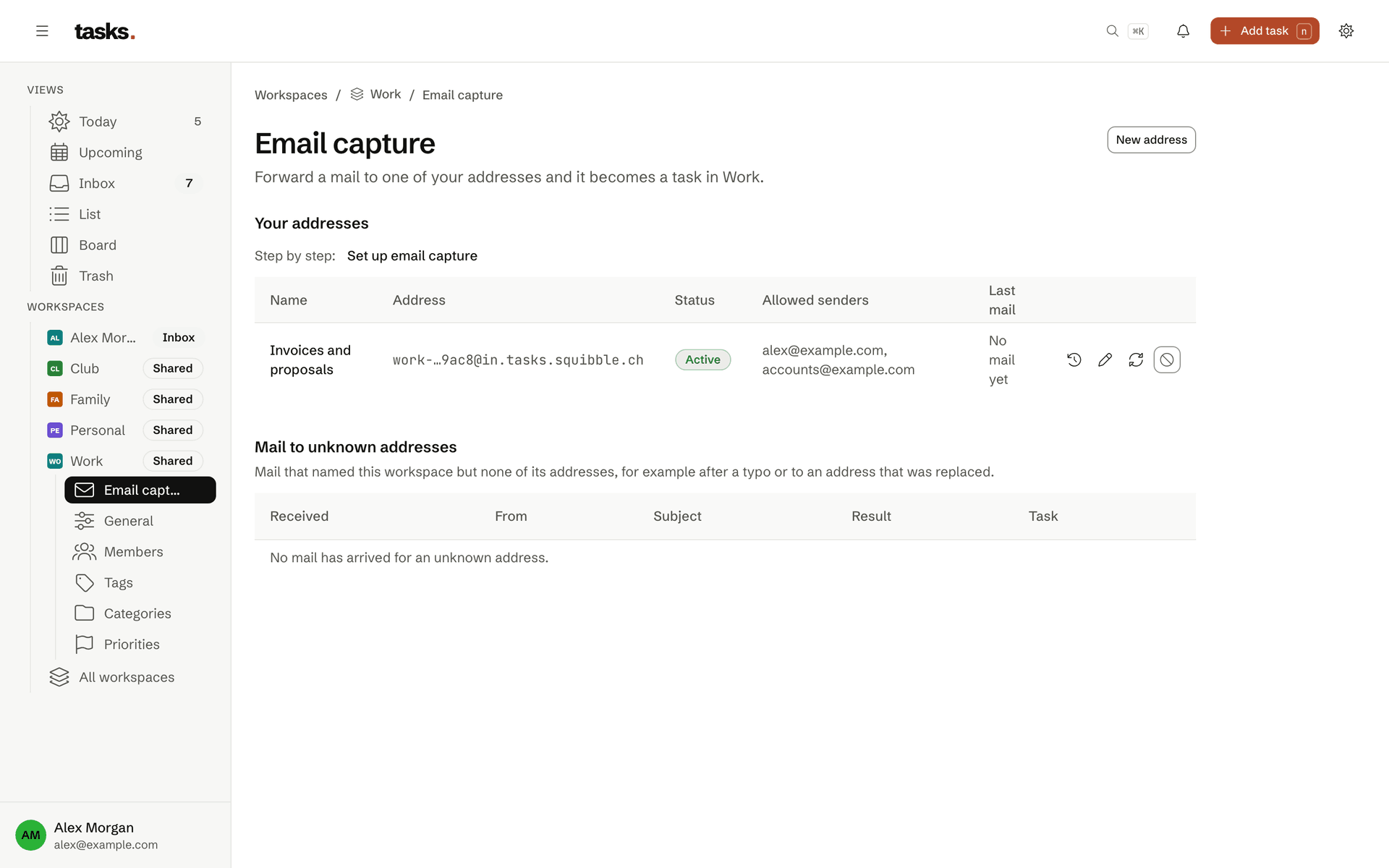
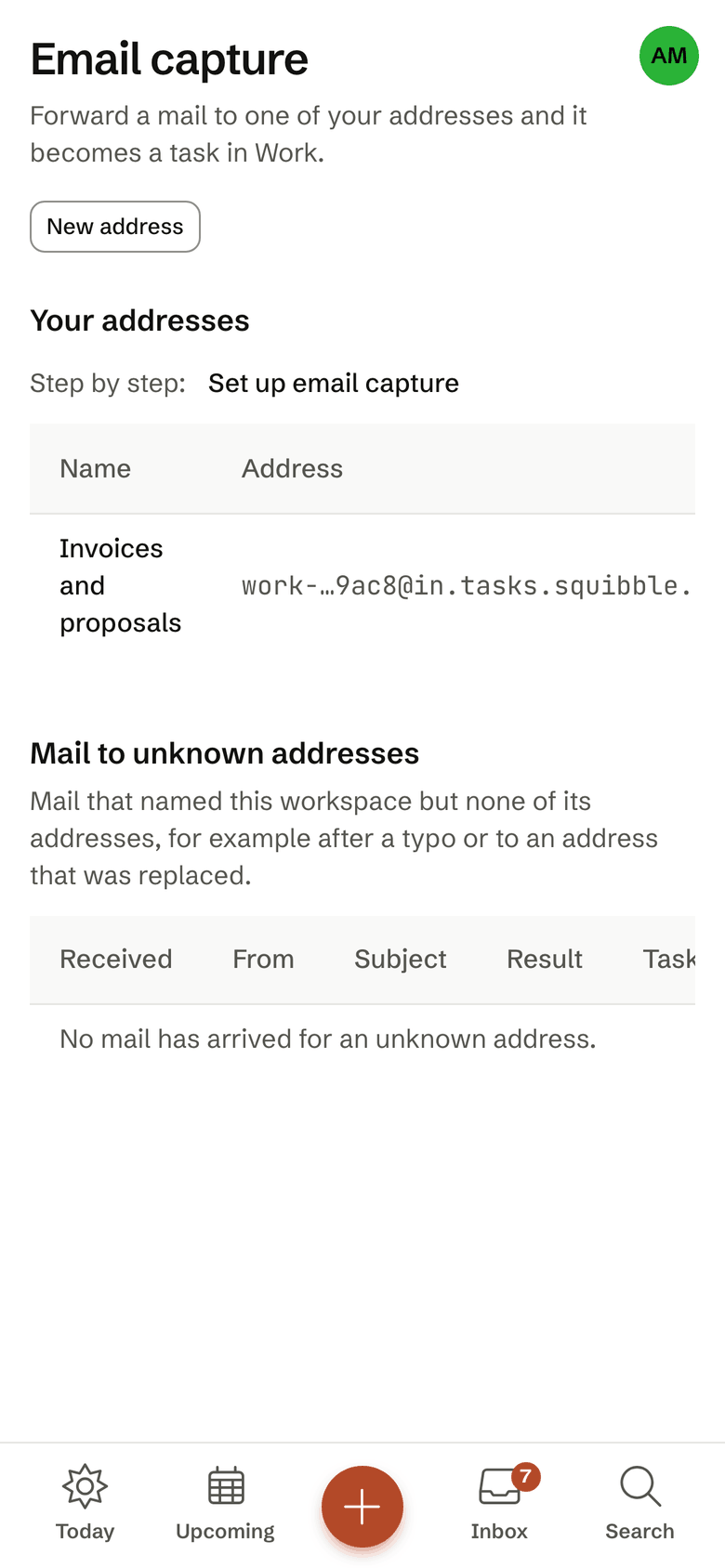
- Your own addresses per workspace
- Quick add in the subject line
- Only allowed senders that pass DMARC
- Confirmation with number and link
The subject line counts
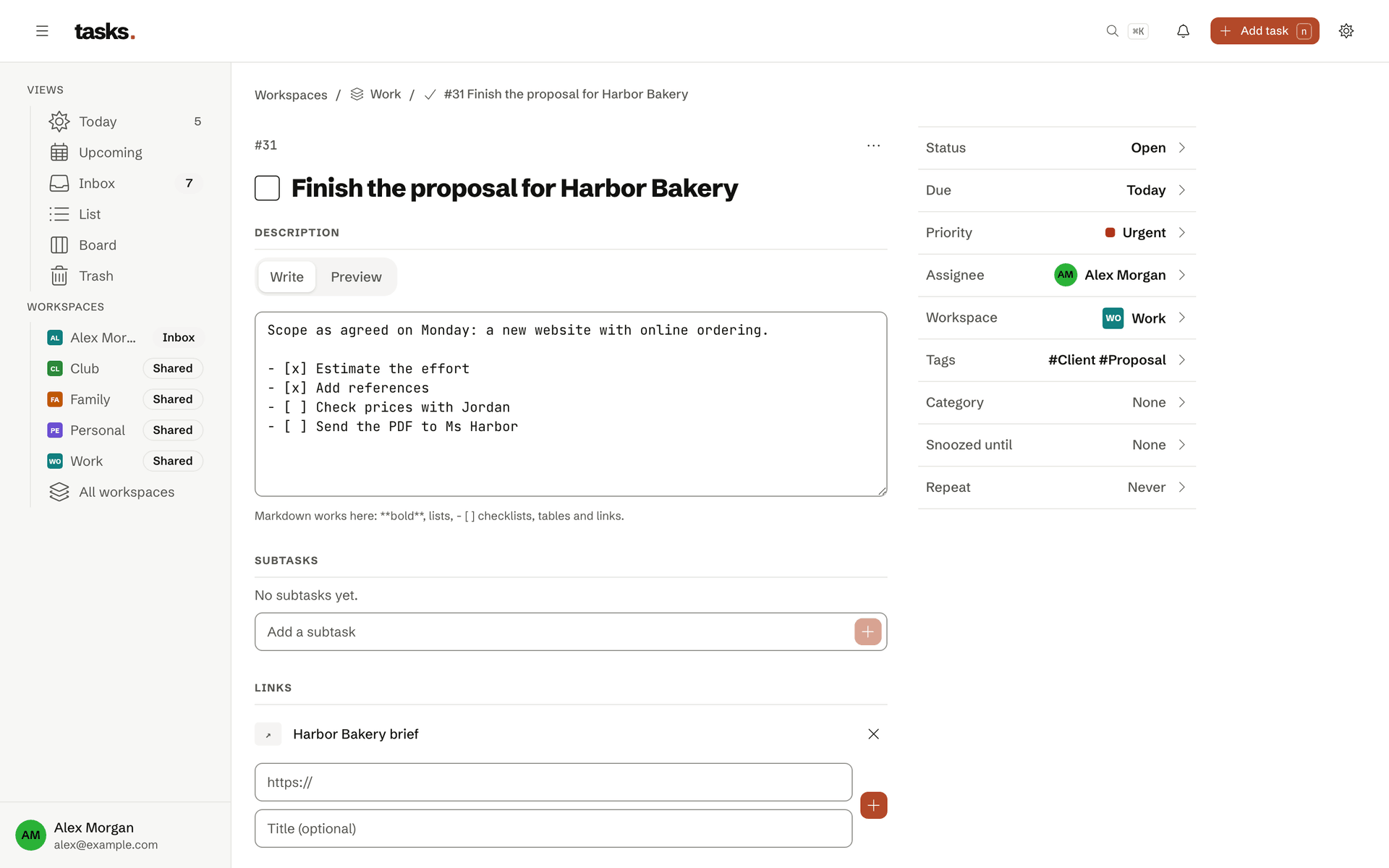
Forward it, and the subject becomes the task
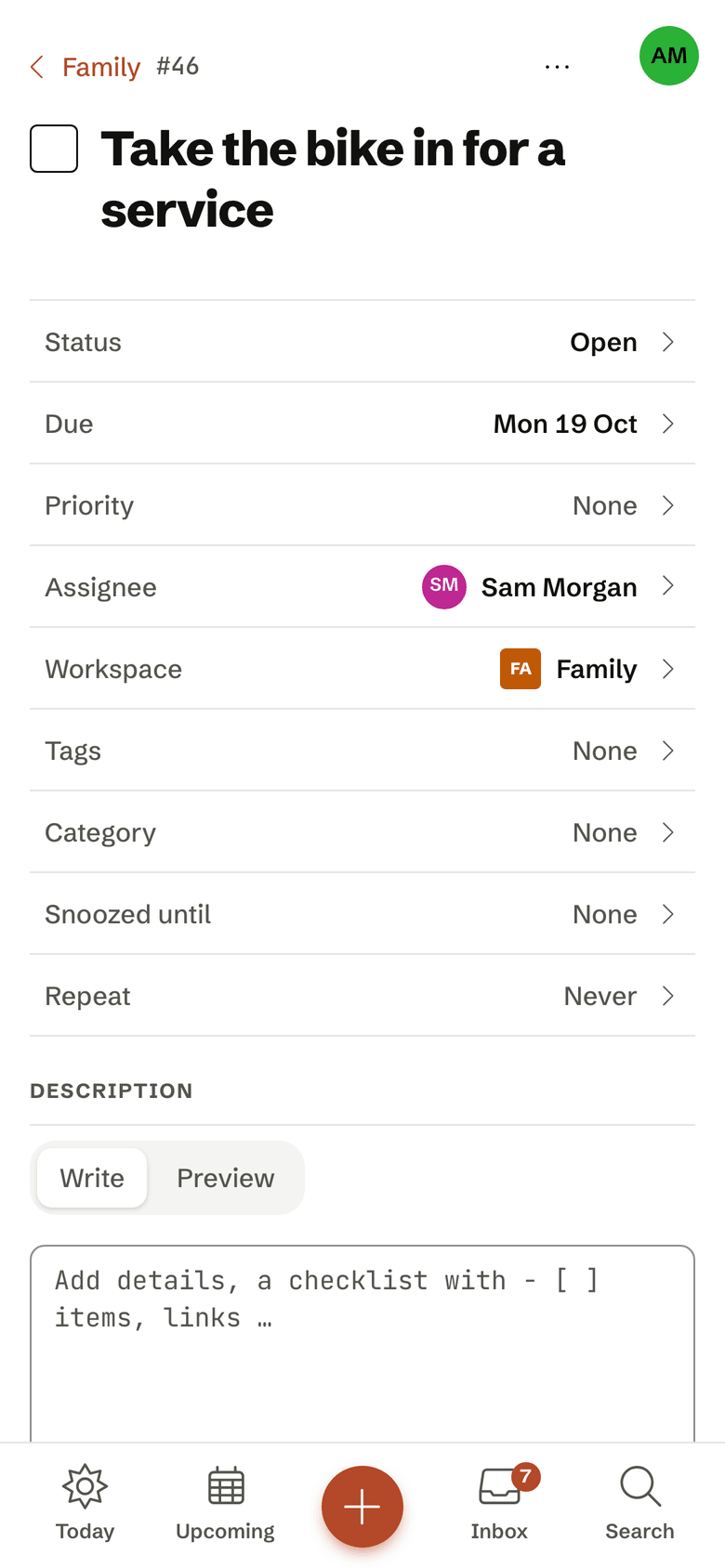
“Fwd: Review the quote tomorrow !p1 #client” becomes the task “Review the quote”, due tomorrow, priority 1, tagged “client”. Prefixes such as Fwd:, WG:, AW: and Re: are removed. The address decides which workspace the task lands in.
- Every membership has its own address
- The confirmation names the number and links the task
- A new address replaces the old one, which stops working at once
No spam
Only your senders create tasks
tasks accepts mail only from senders you have allowed, and only when the mail passes the DMARC check. A forged sender address therefore creates no task.
Frequently asked questions
How does an email become a task?
You create a personal address for a workspace and forward mails to it. The subject becomes the task and understands the same quick add as the app, such as tomorrow or !p1. The mail’s text goes into the description; you choose how much of it per address. A confirmation with the task number and a link comes back.
Only mails from senders you allowed, and whose sender passes the DMARC check, create tasks. Everything else goes to quarantine. You can renew or revoke an address at any time.
Where is my data stored?
In the EU, on servers in Germany. The website, the application and the database run on servers that Squibble GmbH rents from Hetzner Online GmbH and operates itself. The database is backed up every six hours, and an encrypted copy goes to another Squibble backup system every day.
All connections are encrypted with TLS. Access tokens and calendar feed addresses are stored only as digests. The details are in the privacy policy.
What limits apply?
To keep the free service fair, limits per account are planned: for owned workspaces, tasks per workspace, personal access tokens, calendar feeds and links per task. The exact numbers are in the table on the pricing page and in the terms of use. They are set so that you do not notice them in daily use. We also limit how many requests a token may make per minute, so a faulty script slows nobody down.
Just forward your next mail
The account is free. You then create your capture address in the workspace under Email capture.