Claude and MCP
A Claude MCP task manager
Claude Code, Claude Desktop, Cursor and other MCP clients read your tasks and add new ones in the middle of a conversation. Read-only grants hide the write tools, and there is no delete tool.
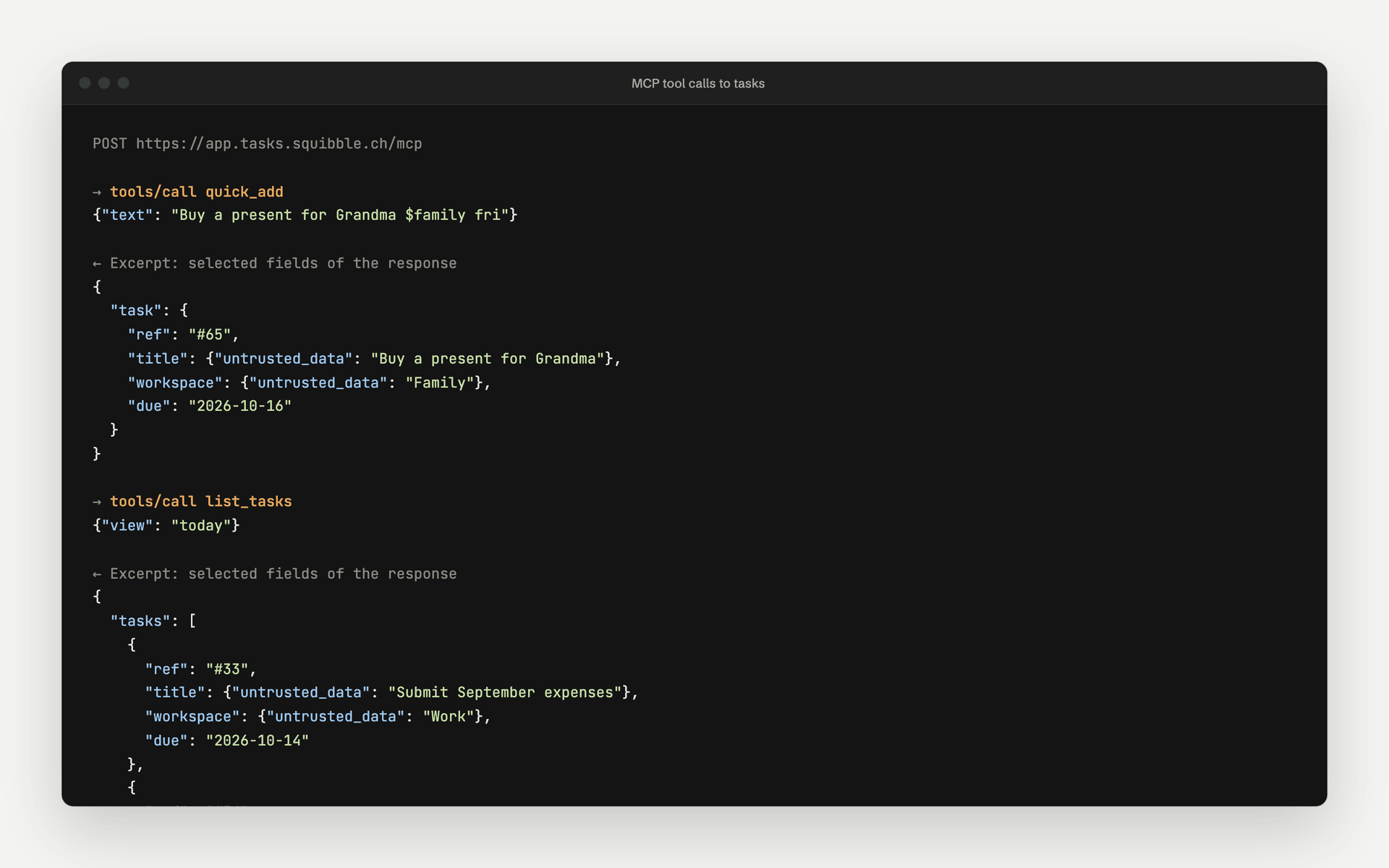
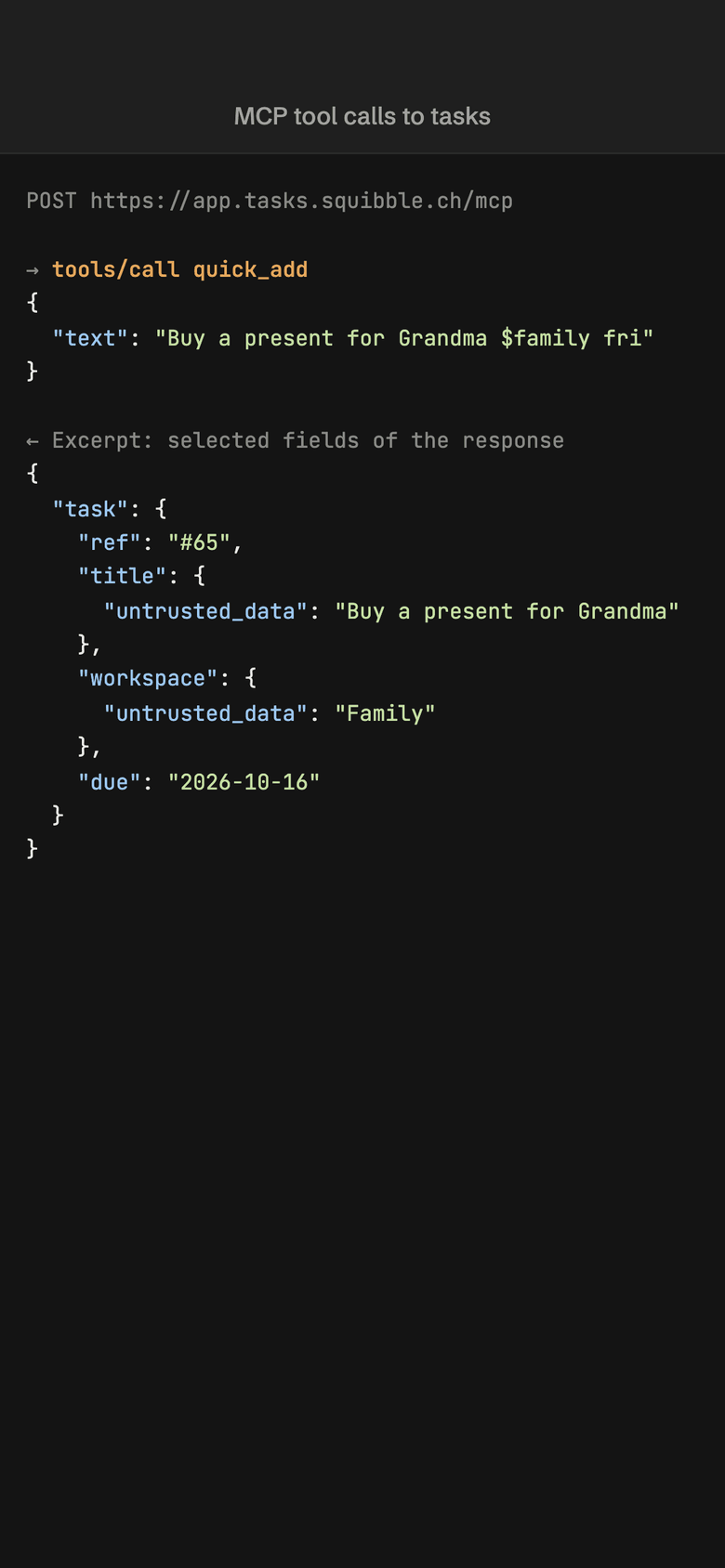
- MCP server at app.tasks.squibble.ch/mcp
- Sign in with an API token or OAuth
- Read-only tokens hide the write tools
- No delete tool
What the assistant may do
Twelve tools, none of them deletes
The tasks MCP server offers list_workspaces, list_tasks, get_task, list_taxonomy, quick_add, create_task, update_task, set_status, set_parent, add_comment, create_tag and create_category. With them Claude reads Today, Upcoming and the Inbox, adds tasks and subtasks, comments on them and completes them. It cannot delete a task or move it to another workspace.
- Every answer includes the task number and a link to the task
- `quick_add` understands the same quick-add line as the web app and takes a `parent_id` for a subtask
- `list_taxonomy` lists the categories, tags and priority labels of a workspace; `create_tag` and `create_category` add what is missing
- `set_parent` makes a task a subtask or a top-level task again, within one workspace
- At most 50 tasks per call, more with a continuation cursor
Permissions
You decide what a token may do
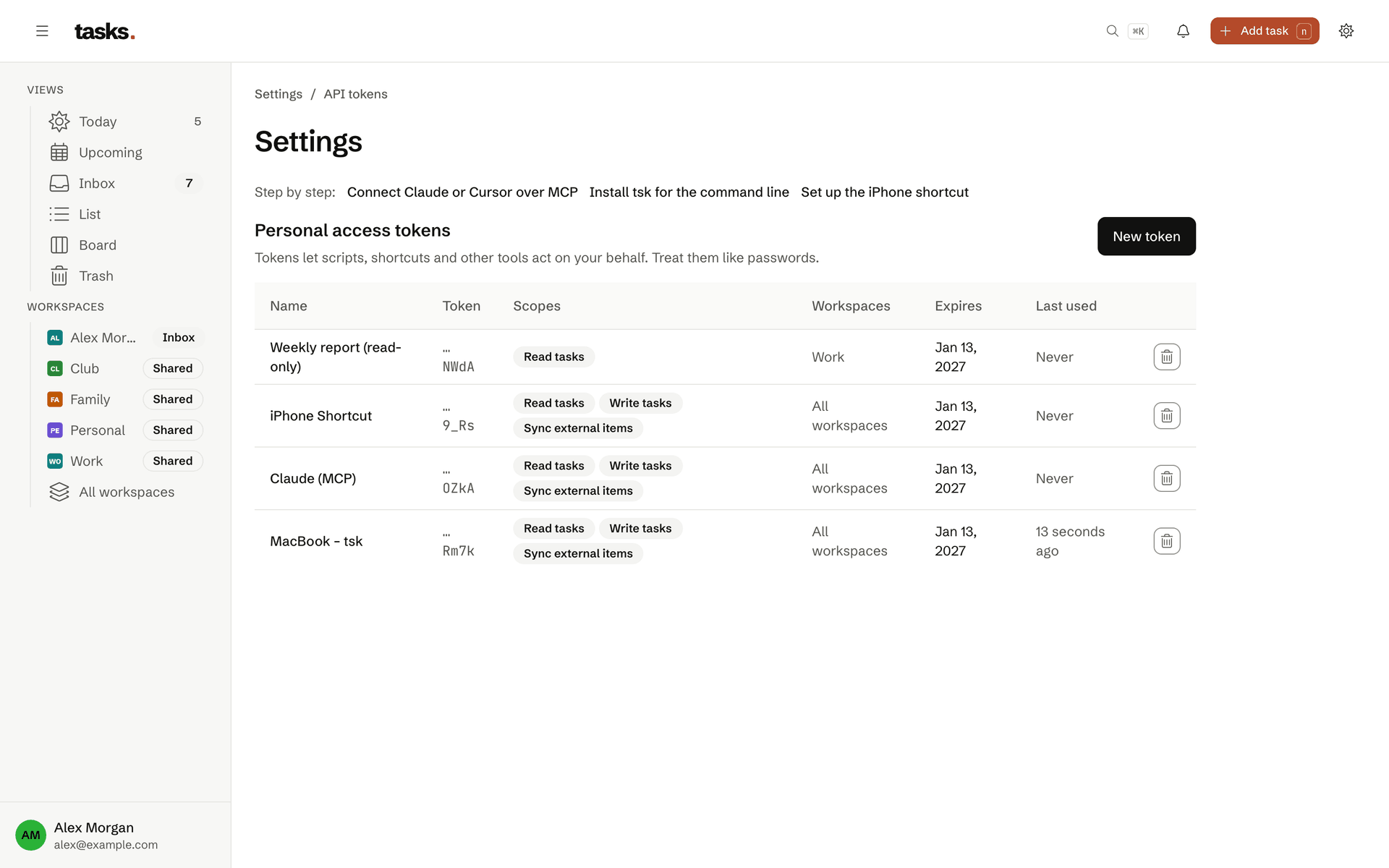
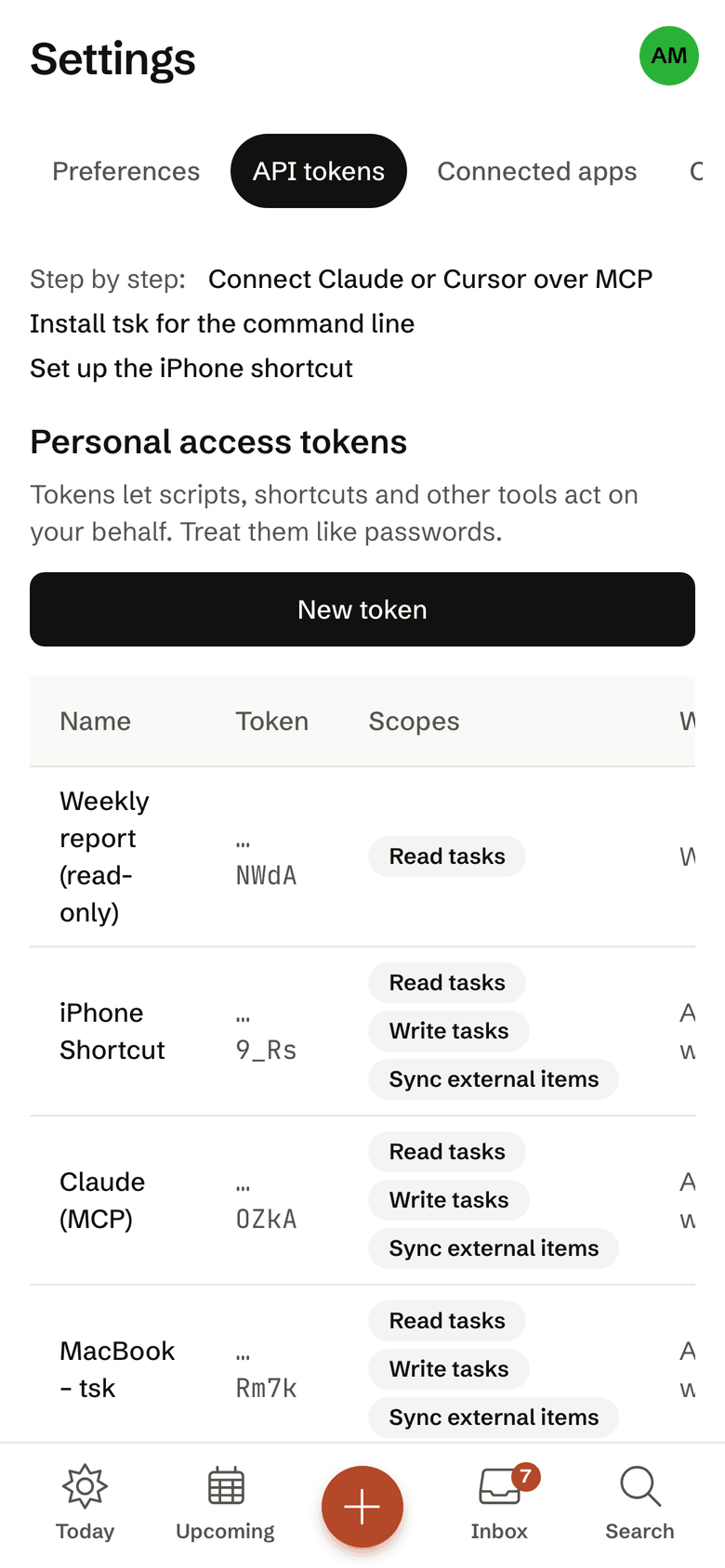
Every API token has scopes (tasks:read, tasks:write), an optional list of workspaces and an expiry date. Without write access the MCP server does not list the write tools at all and rejects calls to them. A token for your employer sees only your employer’s workspace.
- Expires after one year at most, 90 days by default
- Revoke it under API tokens in the settings, effective at once
- Only a digest of the token is stored
Set up in three steps
Create your account
Sign up for free. Your Inbox and your first workspace are ready at once.
Add the server
Add
https://app.tasks.squibble.ch/mcpto Claude, Cursor or another MCP client. Sign in with OAuth or an API token.Ask and capture
“What is due today?” or “Add a task: review the quote $work tomorrow”. The answer names the number of the new task.
Frequently asked questions
Which AI assistants work with tasks?
Claude Code, Claude Desktop, Cursor and any other client that speaks the Model Context Protocol (MCP). tasks is an MCP server itself: the assistant lists workspaces and tasks, reads single tasks, adds new ones through quick add, updates them and sets their status. You connect it with an access token or through sign-in (OAuth).
A read-only token hides the write tools. There is no delete tool, and every token can be restricted to single workspaces.
What limits apply?
To keep the free service fair, limits per account are planned: for owned workspaces, tasks per workspace, personal access tokens, calendar feeds and links per task. The exact numbers are in the table on the pricing page and in the terms of use. They are set so that you do not notice them in daily use. We also limit how many requests a token may make per minute, so a faulty script slows nobody down.
Who can see the tasks in my workspaces?
Only the members of that workspace. Every workspace is its own privacy boundary, enforced in the database itself. Whoever belongs to your family workspace sees nothing of your work workspaces, and the other way round. Your Inbox is yours alone and cannot be shared.
You can also restrict access tokens and calendar feeds to single workspaces.
Your tasks, right inside Claude
The account is free. Setting up the MCP server takes a few minutes.