Family
A family to-do list app
One shared workspace for the household: whoever has time takes a task that is up for grabs. Whoever gets a task assigned receives a push notification. The family never sees your work tasks.
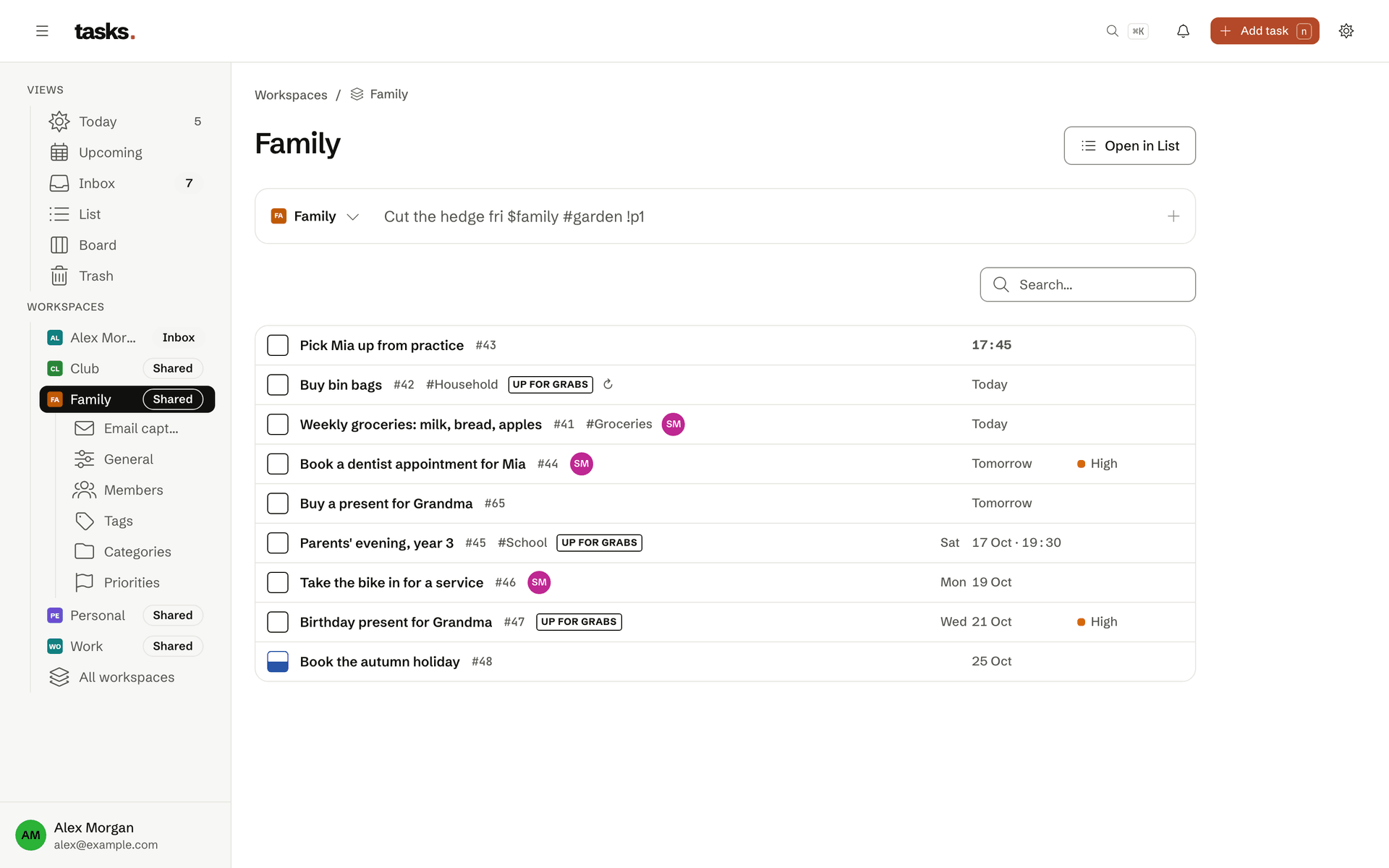
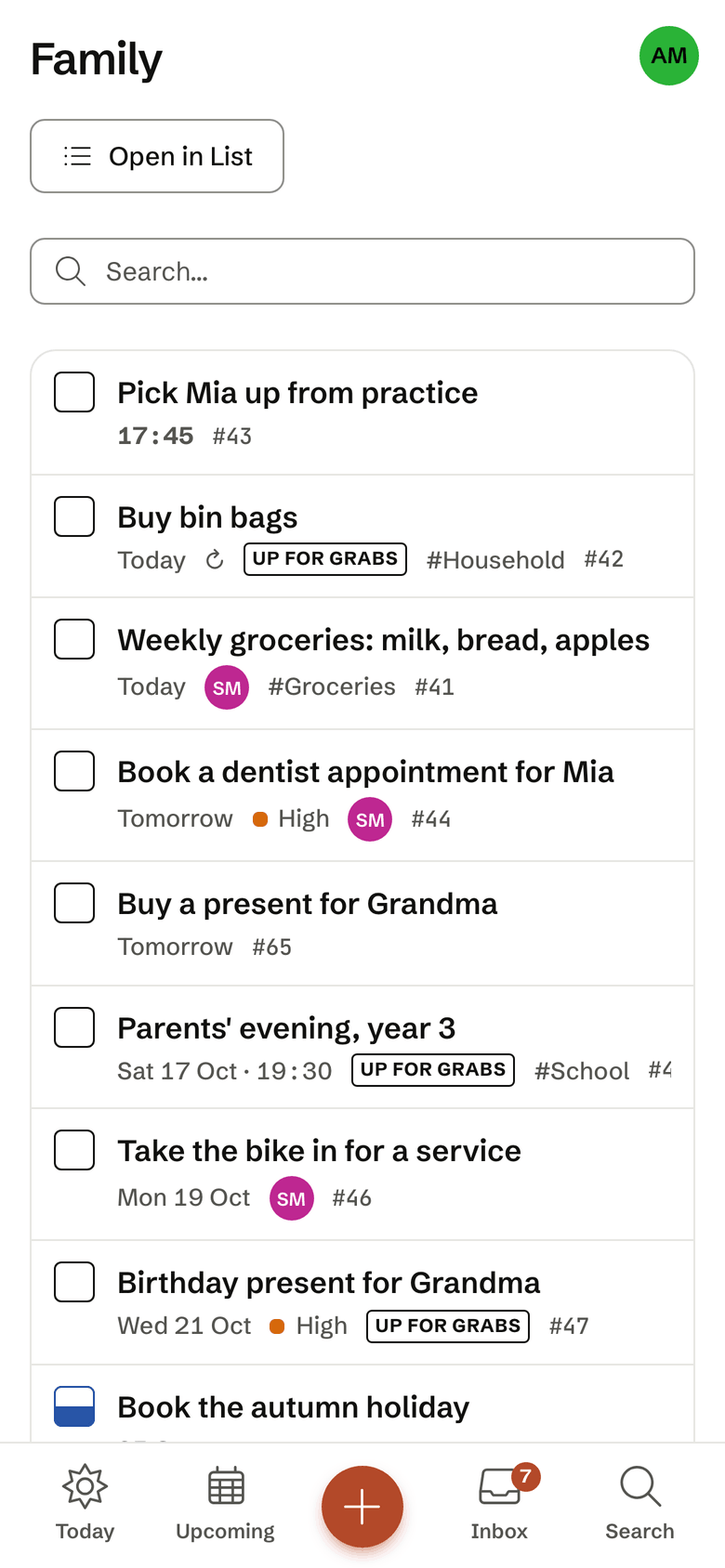
- One shared family workspace
- Tasks up for grabs
- A push on assignment and at the due time
- Installable as an app on the phone
Up for grabs
Whoever has time takes it
A task without an assignee is up for grabs. Everyone in the family sees it and can take it. When a task is assigned to you, tasks sends a push notification, and another one at the due time.
- A daily digest, 07:30 by default
- By push, by email or both
- Capture by Siri and the iPhone shortcut too
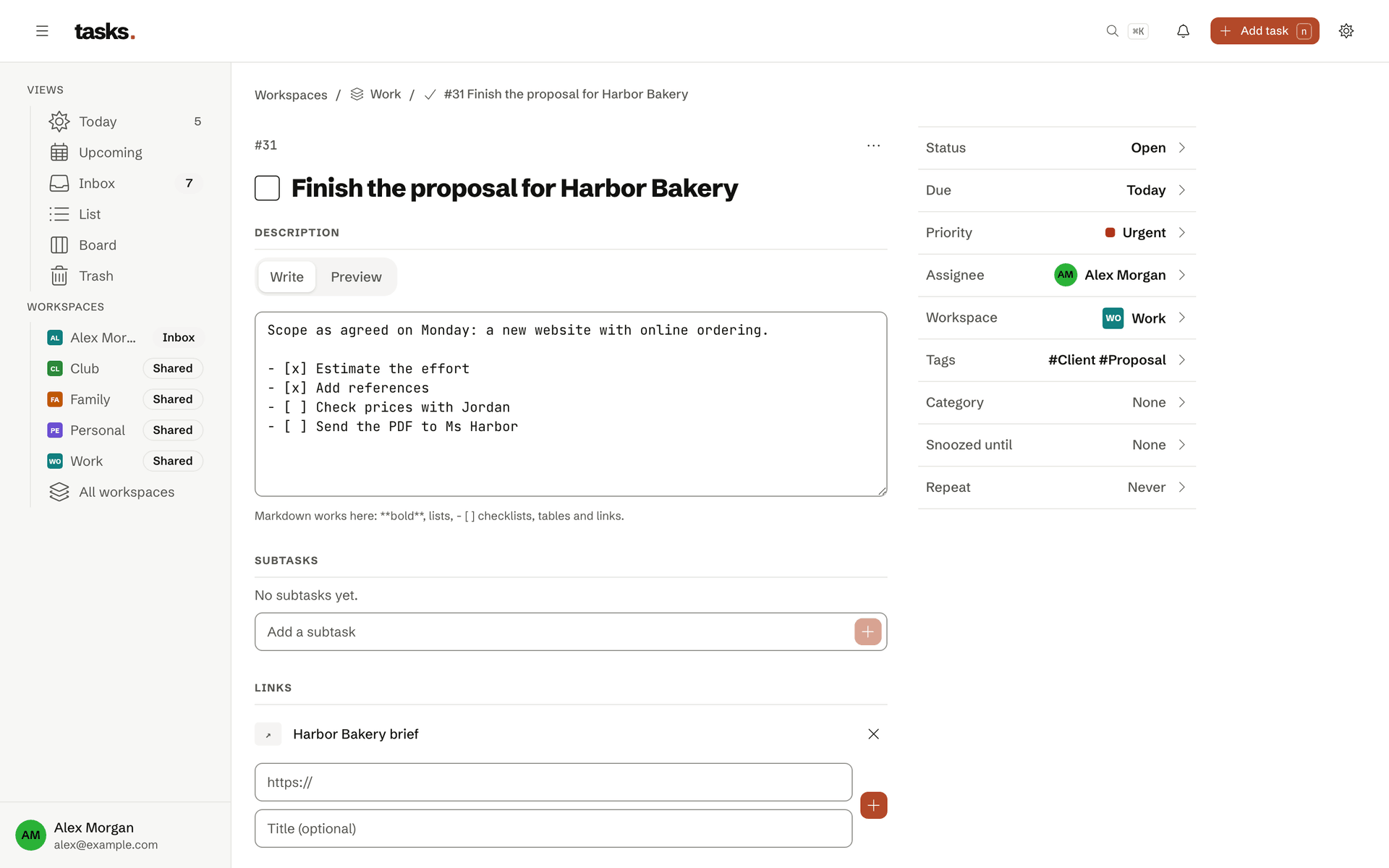
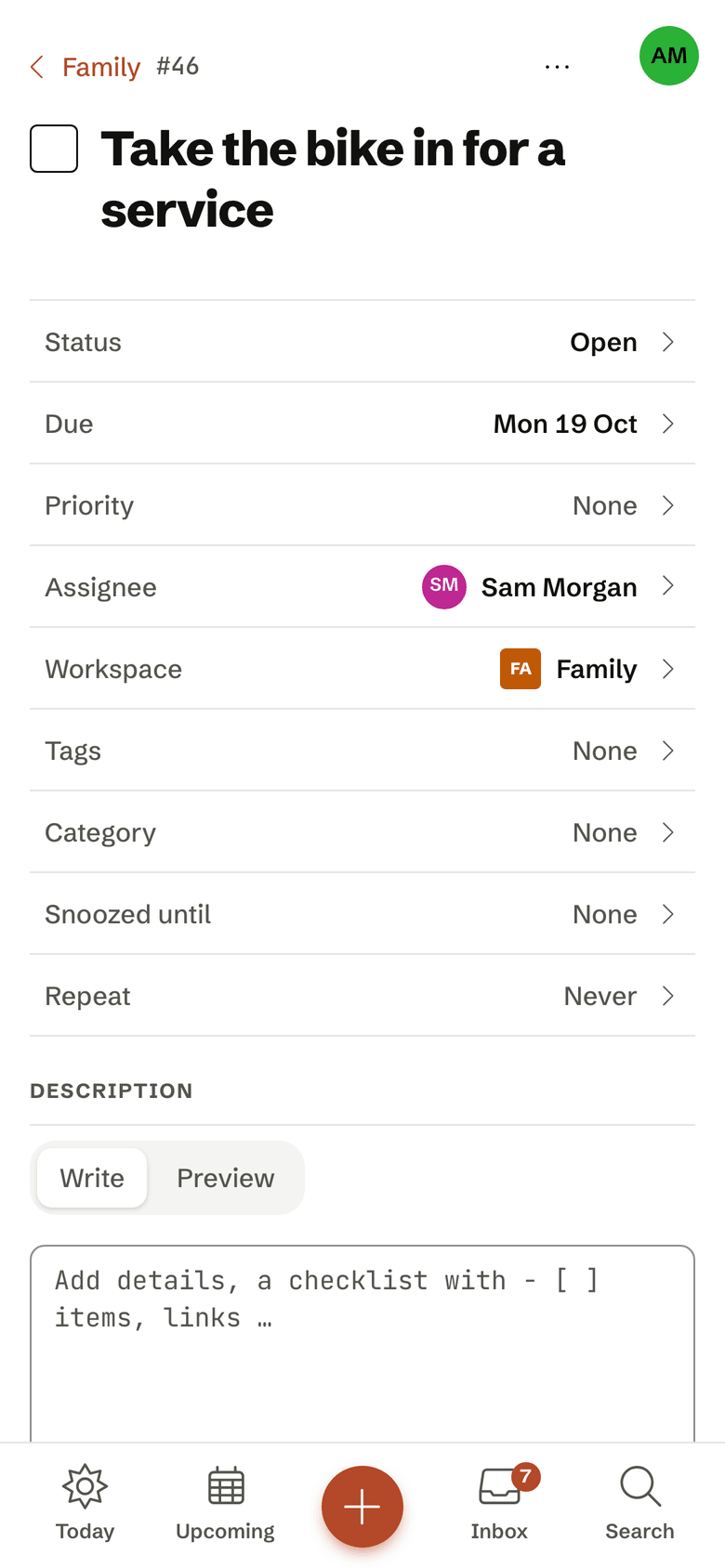
No technical knowledge needed
Invite them and start
You invite your family to the workspace. Nobody needs a terminal or a token: tasks runs in the browser and installs like an app on the phone, with push notifications.
Frequently asked questions
Can family members join without technical know-how?
Yes. For the family a phone is enough: accept the invitation, sign in with their own email address, add the app to the Home Screen. Nobody needs a terminal, tokens or settings. Members of the family workspace see its tasks, take what is up for grabs and get a push notification when something is assigned to them. Your other workspaces stay invisible.
What does "Up for grabs" mean?
In a workspace with several members, a task with nobody assigned is “Up for grabs”. Every member sees it, and whoever has time takes it. Today can include such tasks, the daily digest counts them, and calendar feeds can carry them. Nothing is left lying around just because nobody was asked.
How do I invite someone to a workspace?
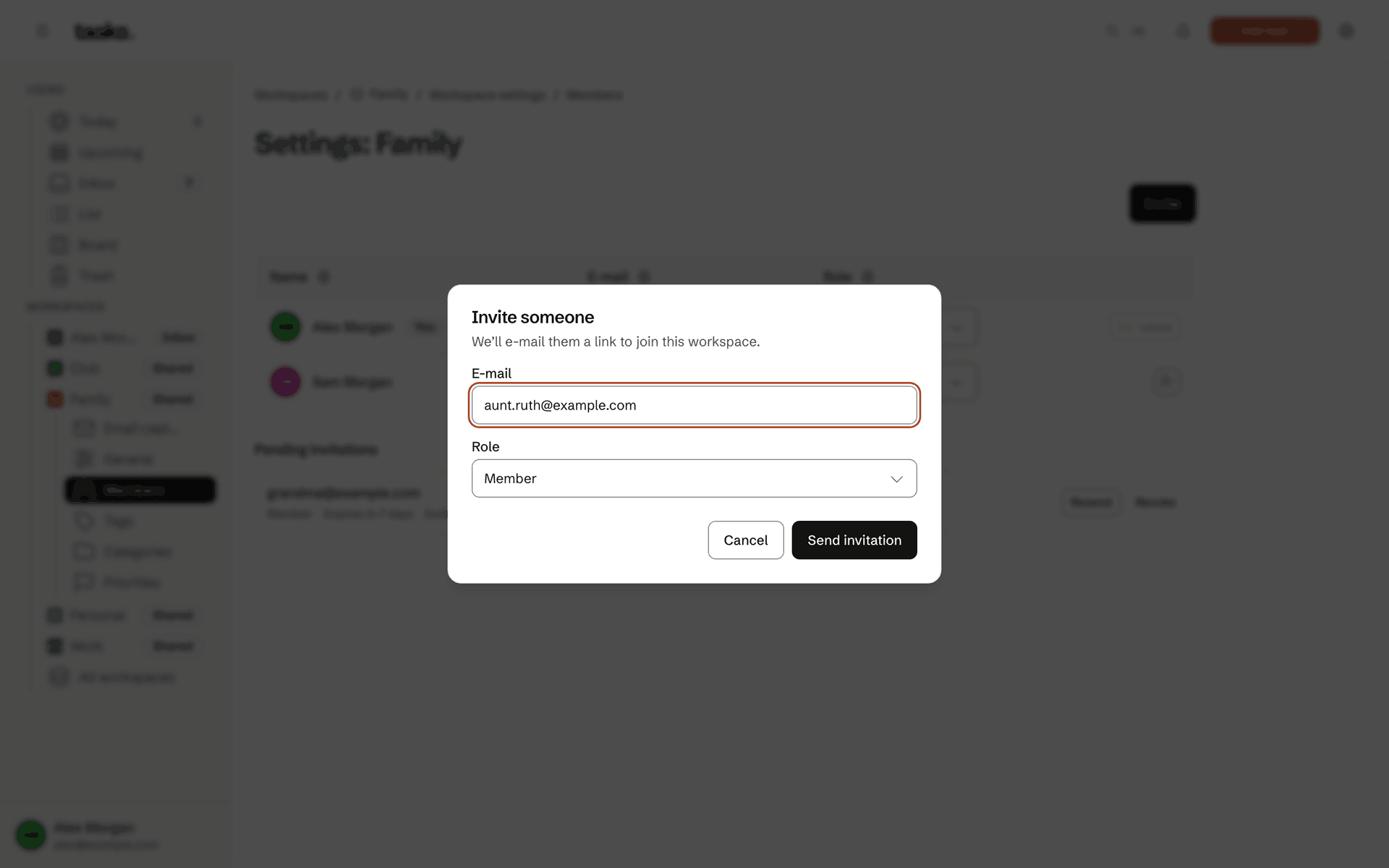
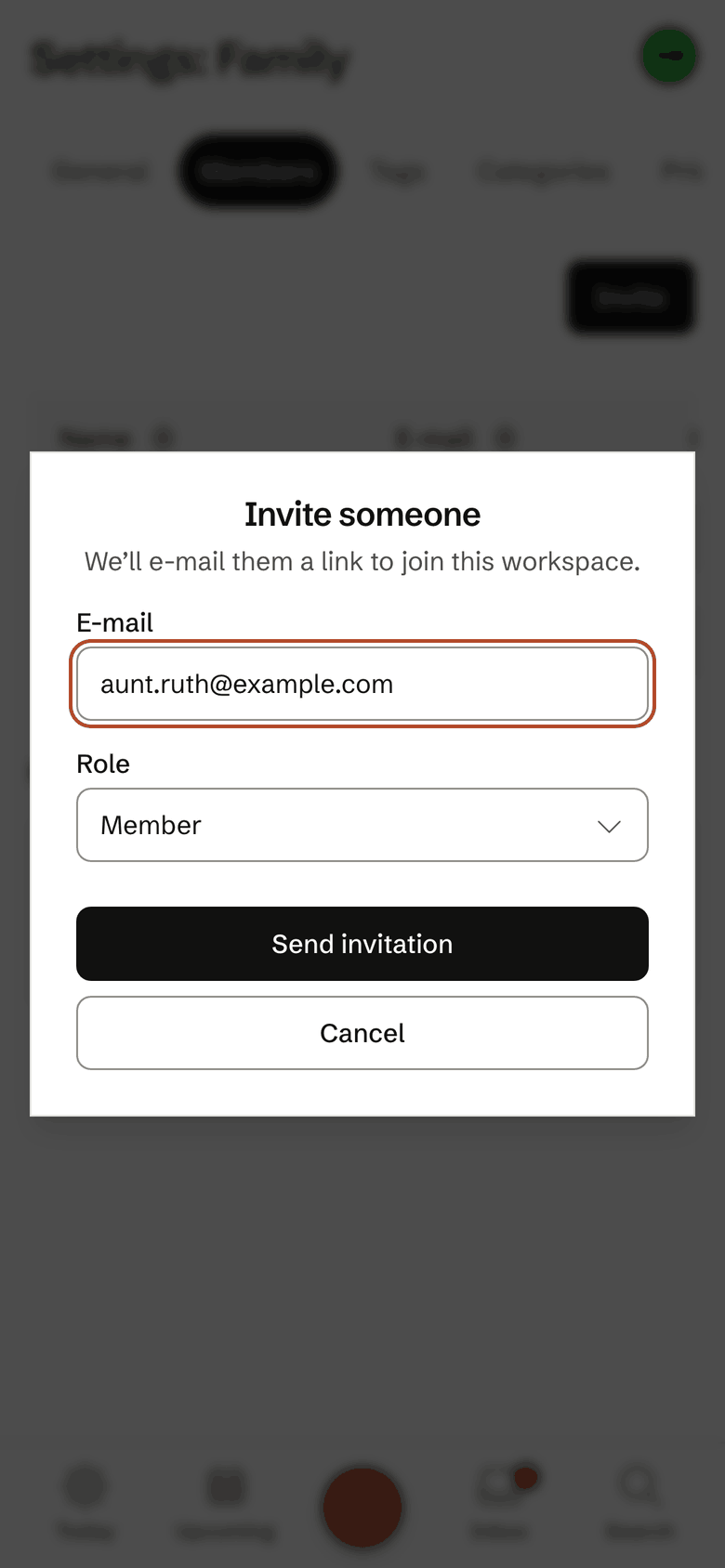
In the workspace settings under Members, enter the email address and the role: member, admin or owner. The invited person gets an email with a link and signs in with exactly that address. They do not need an account first; it is created at the first sign-in, for free.
Your Inbox cannot be shared; it stays personal.
Does tasks work offline and on my phone?
tasks is a web app for computer and phone that you install like an app on your Home Screen, on the iPhone through “Add to Home Screen”. You do not need an app from the App Store.
Without a connection the installed app still opens, and views you have already loaded stay readable. Changes you make offline are kept and sent as soon as you are back online. If that causes a conflict, the app shows it to you to decide.
The household on one list
The account is free, for everyone you invite as well.